
This SOP outlines the steps to effectively use the Consolidated Inbox feature in First Up CRM for managing communications with leads and customers.
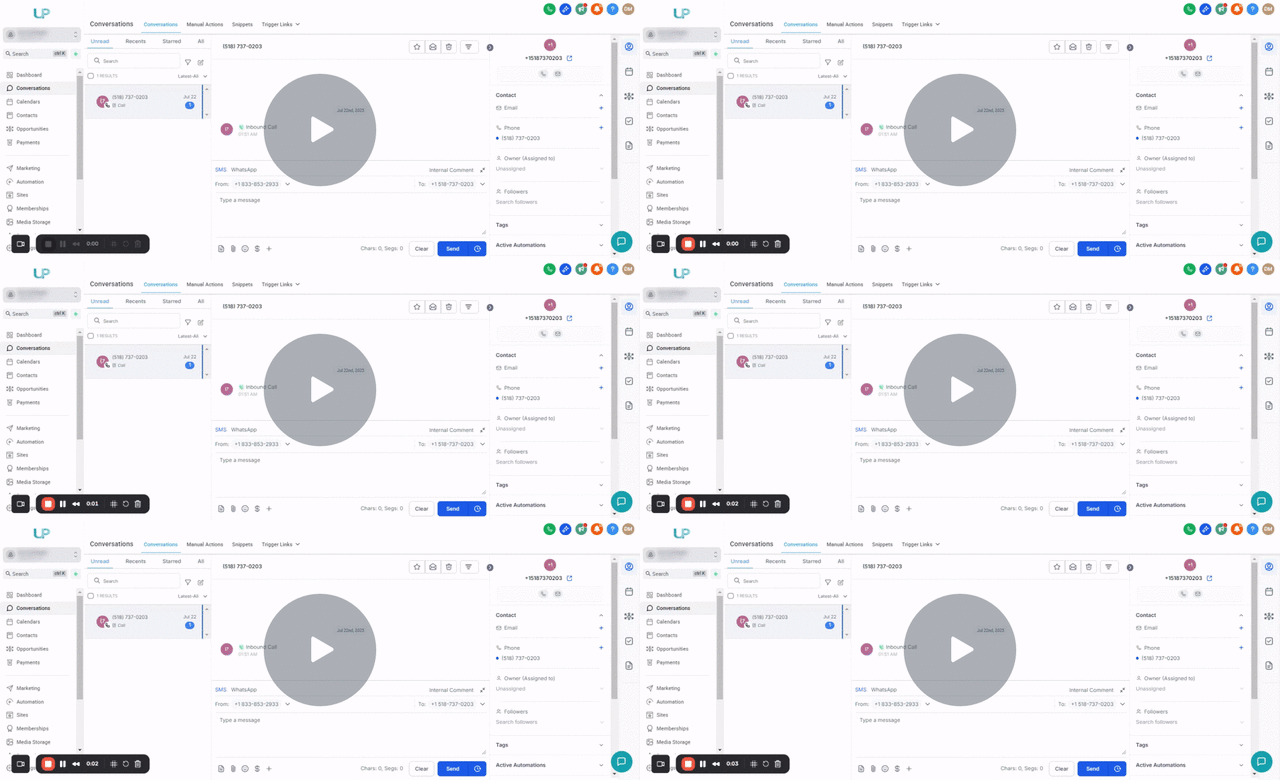
Key Steps
1. Accessing the CRM Dashboard 0:00
- Log in to the First Up CRM.
- The first screen you will see is the dashboard.
2. Navigating to Conversations Module 0:09
- Click on the ‘Conversations’ tab to access the Consolidated Inbox.
3. Understanding the Inbox Features 0:28
- The Consolidated Inbox displays:
- Inbound and outbound messages.
- Conversations from various sources:
- SMS
- Facebook Messenger
- Instagram DM
- Missed calls and voicemails
- Chat widget
4. Viewing Lead Information 0:55
- In the inbox, you can view:
- Contact information (phone number, email).
- Appointments and opportunity cards (if available).
5. Managing Tasks and Notes 1:26
- You can:
- View and manage tasks related to leads.
- Take notes directly within the inbox.
6. Wrapping Up with New Leads 1:42
- For new leads, you can:
- Attempt to make contact.
- Document interactions.
- Ensure accurate record-keeping for stats automatically.
Cautionary Notes
- Move the lead in the pipeline or use the Initial Contact Outcome field.
- Be aware of privacy regulations when handling customer information.
Tips for Efficiency
- Regularly check the Consolidated Inbox to stay updated on all communications.
- Use the note-taking feature to keep track of important details during conversations.
- Familiarize yourself with the various messaging platforms integrated into the CRM for quicker responses.